Mechanical
Guide, 9 templates and tracker

Mechanical Completion & Pre-commissioning Kit

The construction-to-handover process step by step, with nine editable forms and an Excel completions tracker with a live dashboard.

Instant download · Secure checkout with Payhip · Single-user licence

92 pages9 Word templates40+ diagrams
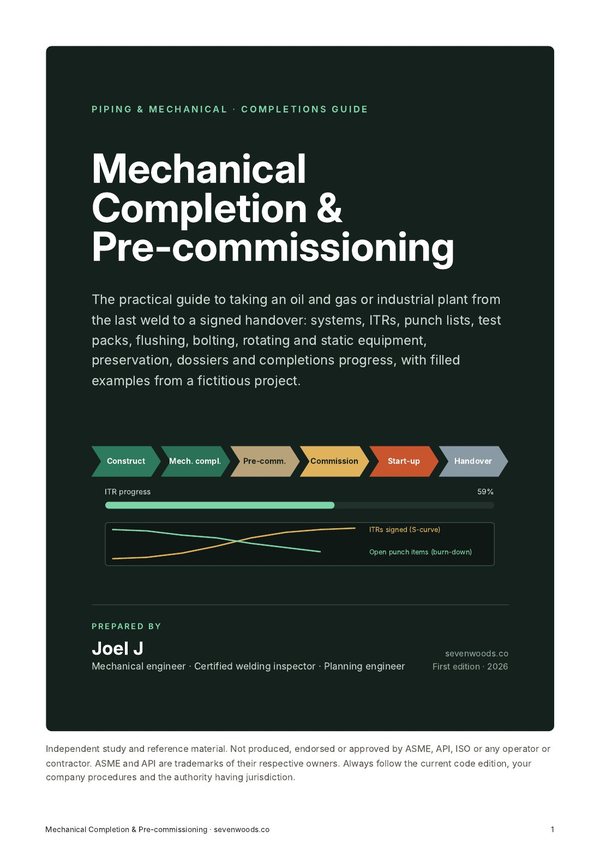
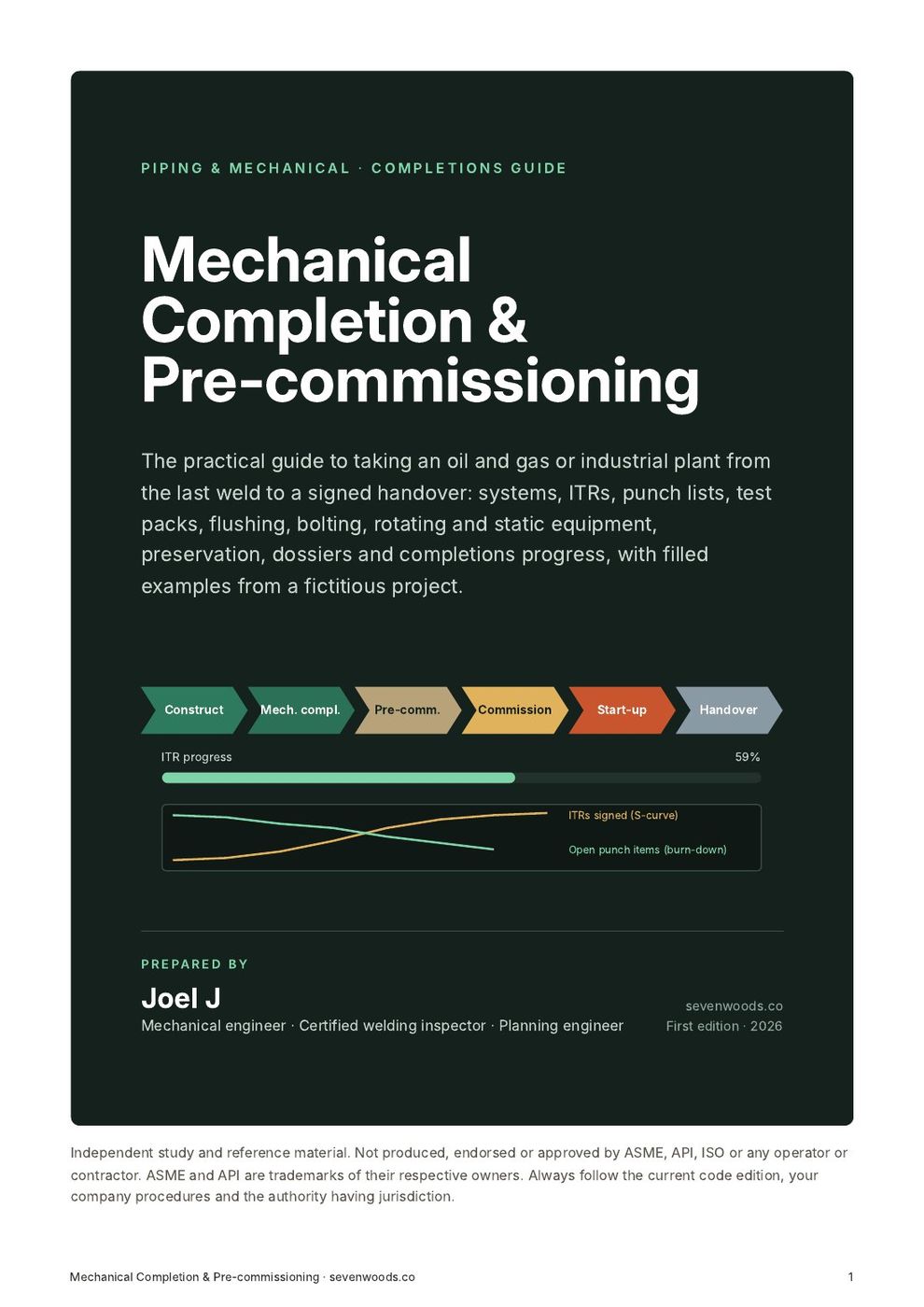
Cover of Mechanical Completion & Pre-commissioning Kit
Look inside

See the real pages before you buy.

9 pages and screens from the product itself. Click any page to read it at full size.

What you get

In the download.

Every file, ready to use.

The guide (PDF)

92 pages: systemisation, ITRs, punch lists, certificates, test packs, flushing, bolting, rotating and static equipment, preservation, handover and progress, with one worked project throughout.

9 Word templates

Test pack, walkdown, punch list, flange tightening, flushing, reinstatement, MCC, RFC and preservation.

Completions tracker (Excel)

Systems, ITR register, punch list, test packs and a dashboard with S-curve and punch burn-down.

Contents

Everything that is inside.

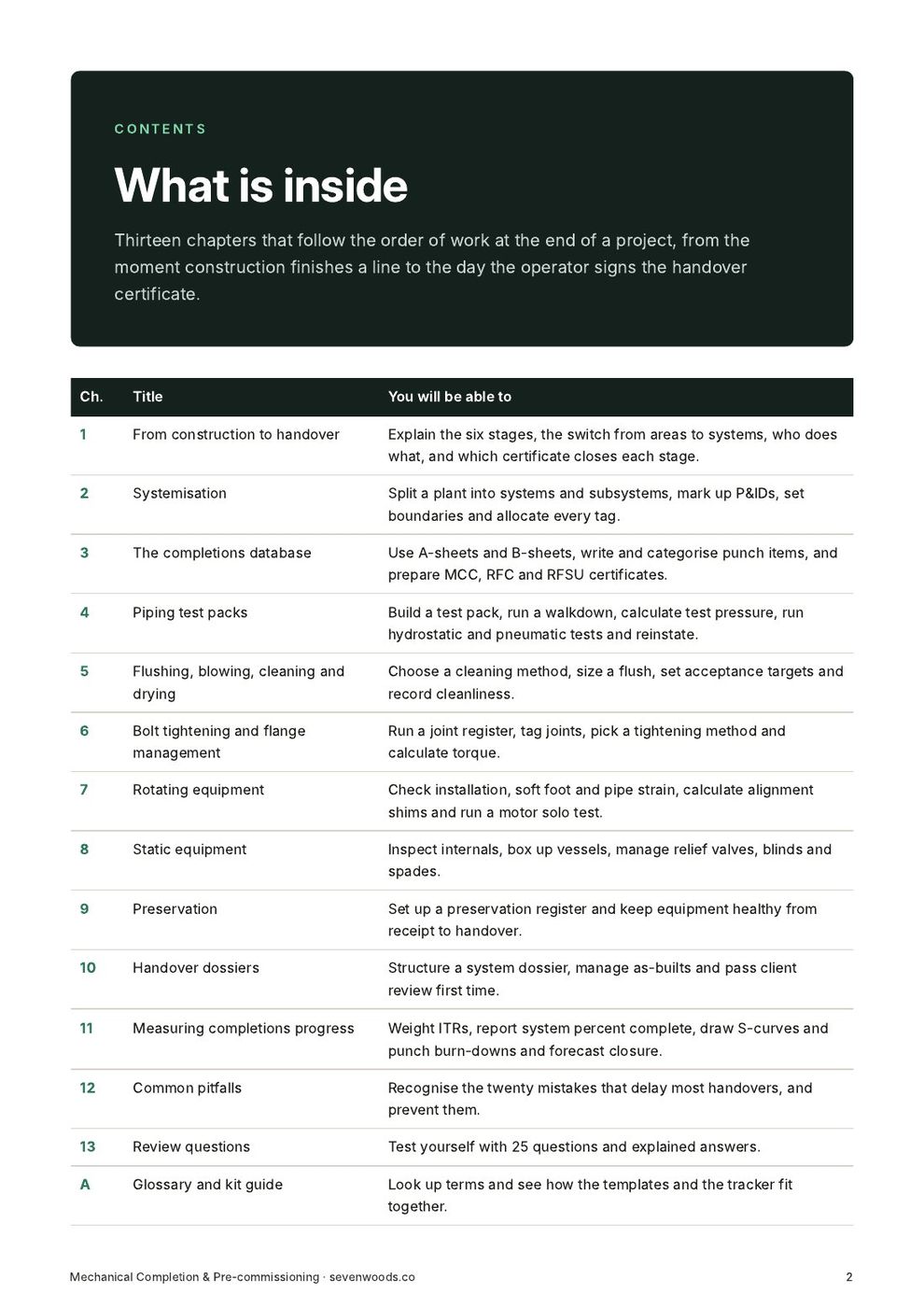
The full table of contents, so you know exactly what you are buying.

What is inside3
  1. Who this guide is for
  2. Project Falcon: the example used throughout
  3. How to read the values in this guide
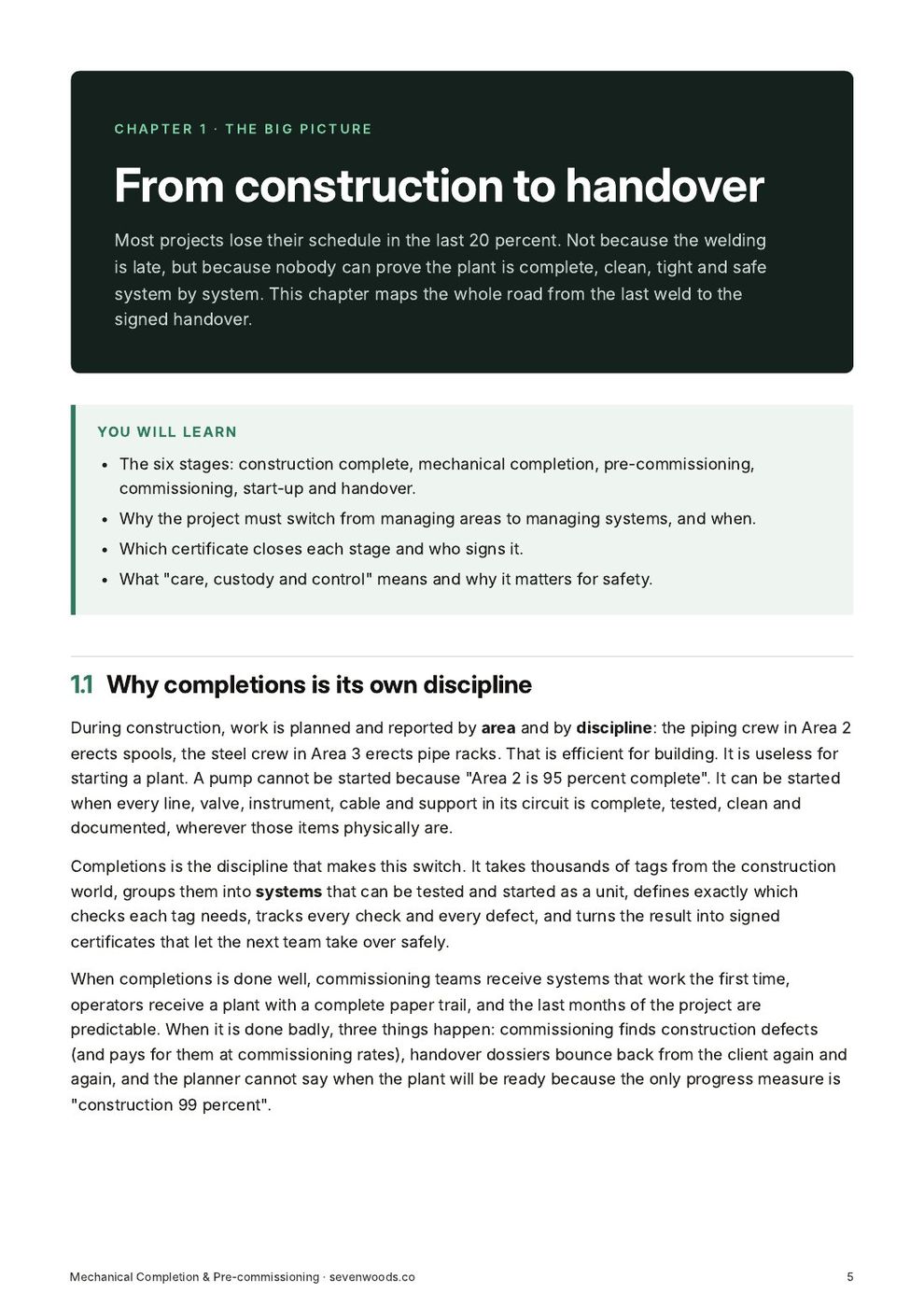
From construction to handover8
  1. Why completions is its own discipline
  2. The six stages
  3. The big switch: from areas to systems
  4. Who does what
  5. Certificates and gates
  6. Care, custody and control
  7. How the stages overlap in time
  8. What good looks like
Systems, subsystems and boundaries9
  1. System and subsystem: the definitions
  2. The hierarchy
  3. Numbering
  4. Marked-up P&IDs and boundary drawings
  5. Where to put a boundary
  6. Tagging and the tag register
  7. Worked example: allocating tags
  8. When to systemise and how to control changes
  9. Systemisation checklist
ITRs, punch lists and certificates6
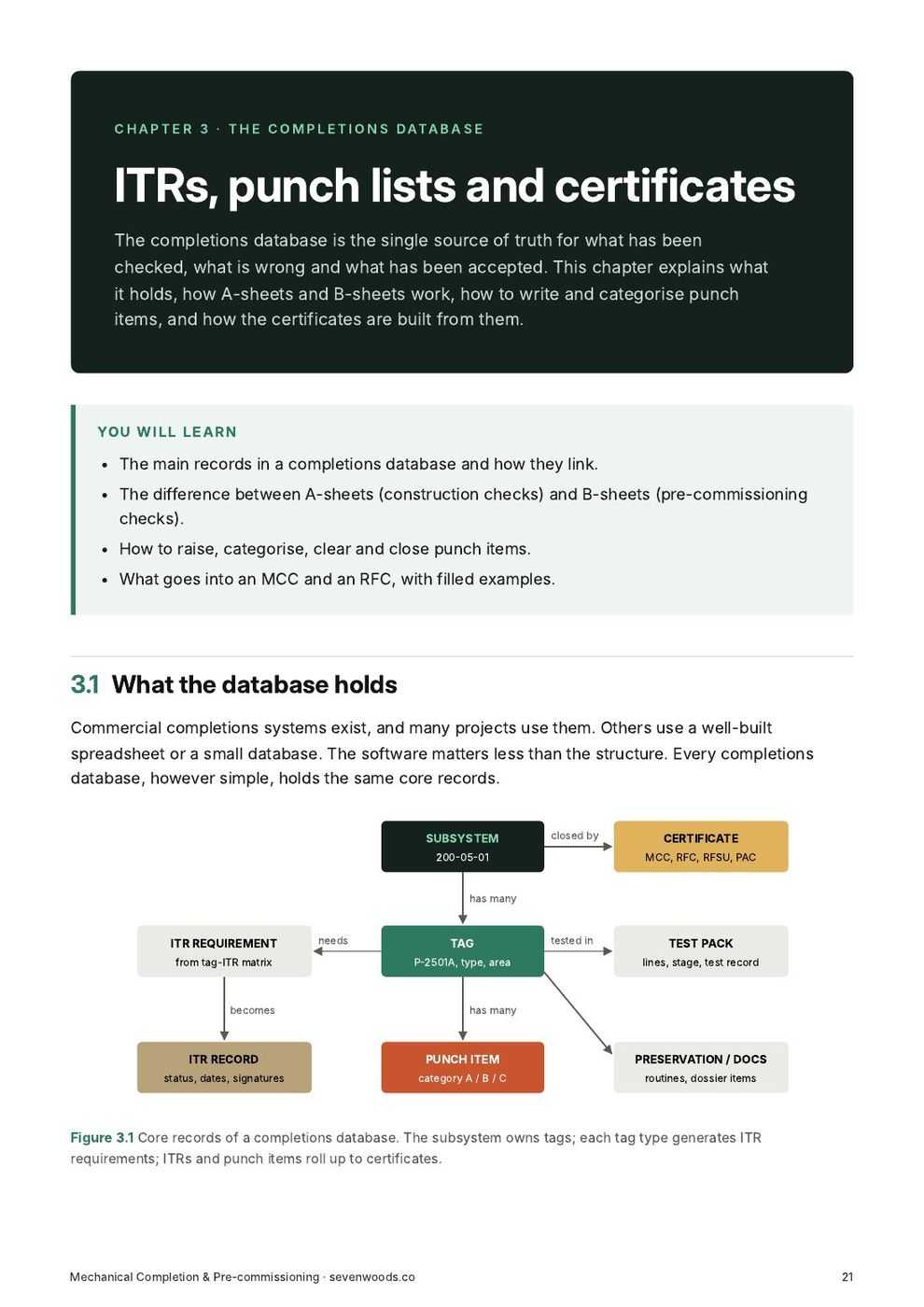
  1. What the database holds
  2. ITRs: A-sheets, B-sheets and C-sheets
  3. The life of an ITR
  4. Punch lists
  5. Certificates
  6. Keeping the data clean
Test packs, walkdowns and pressure tests8
  1. What a test pack is
  2. Contents of a test pack
  3. Walkdown and line check
  4. How test pressure is set
  5. Test equipment and set-up
  6. Hydrostatic test step by step
  7. Pneumatic test step by step
  8. Reinstatement
Flushing, blowing, chemical cleaning and drying7
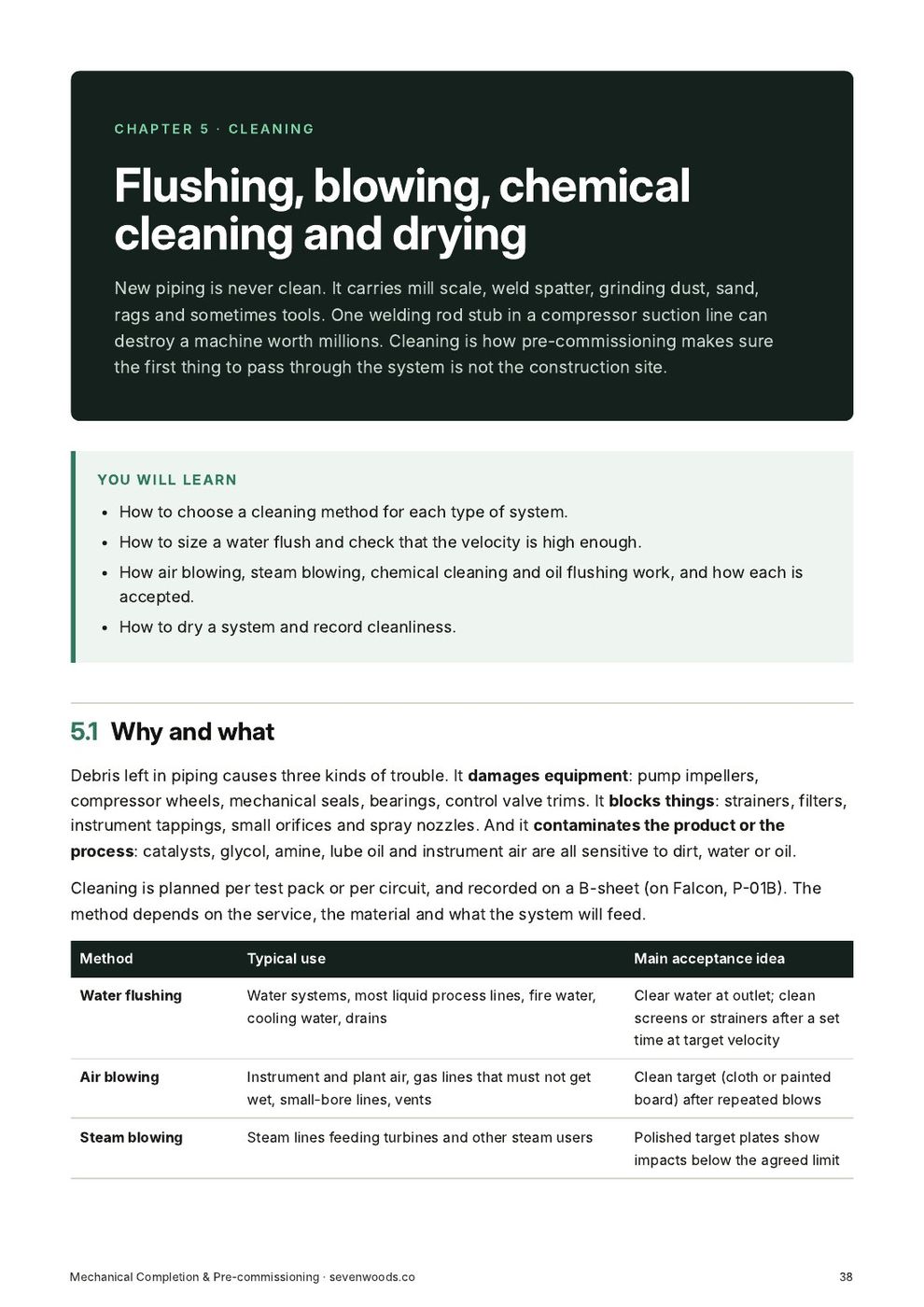
  1. Why and what
  2. Water flushing
  3. Air blowing
  4. Steam blowing
  5. Chemical cleaning
  6. Lube and seal oil flushing
  7. Drying
Bolt tightening and flange management8
  1. Why bolted joints leak
  2. The life of a joint
  3. The joint register
  4. Before you tighten: the checks
  5. Tightening methods
  6. Calculating target torque
  7. Pattern and passes
  8. Managing joints through pre-commissioning
Pumps, compressors and their drivers8
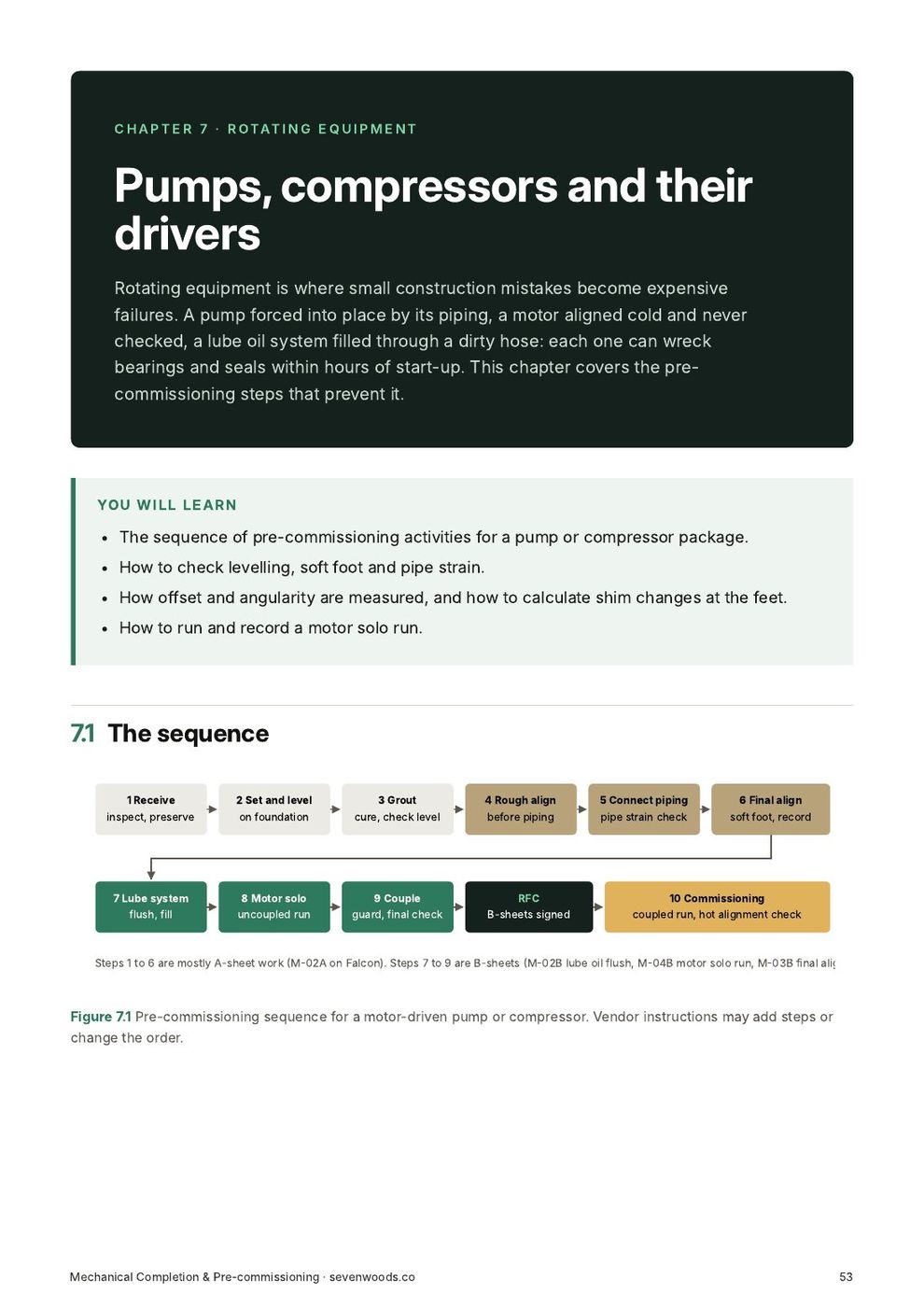
  1. The sequence
  2. Installation checks
  3. Soft foot
  4. Alignment
  5. Pipe strain check
  6. Lubrication
  7. Motor solo run
  8. Compressor and package specifics
Vessels, columns, exchangers and relief valves7
  1. What each item needs
  2. Internals inspection
  3. Box-up
  4. Heat exchangers and air coolers
  5. Storage tanks
  6. Relief valves
  7. Blinds and spades register
Keeping it new until it runs5
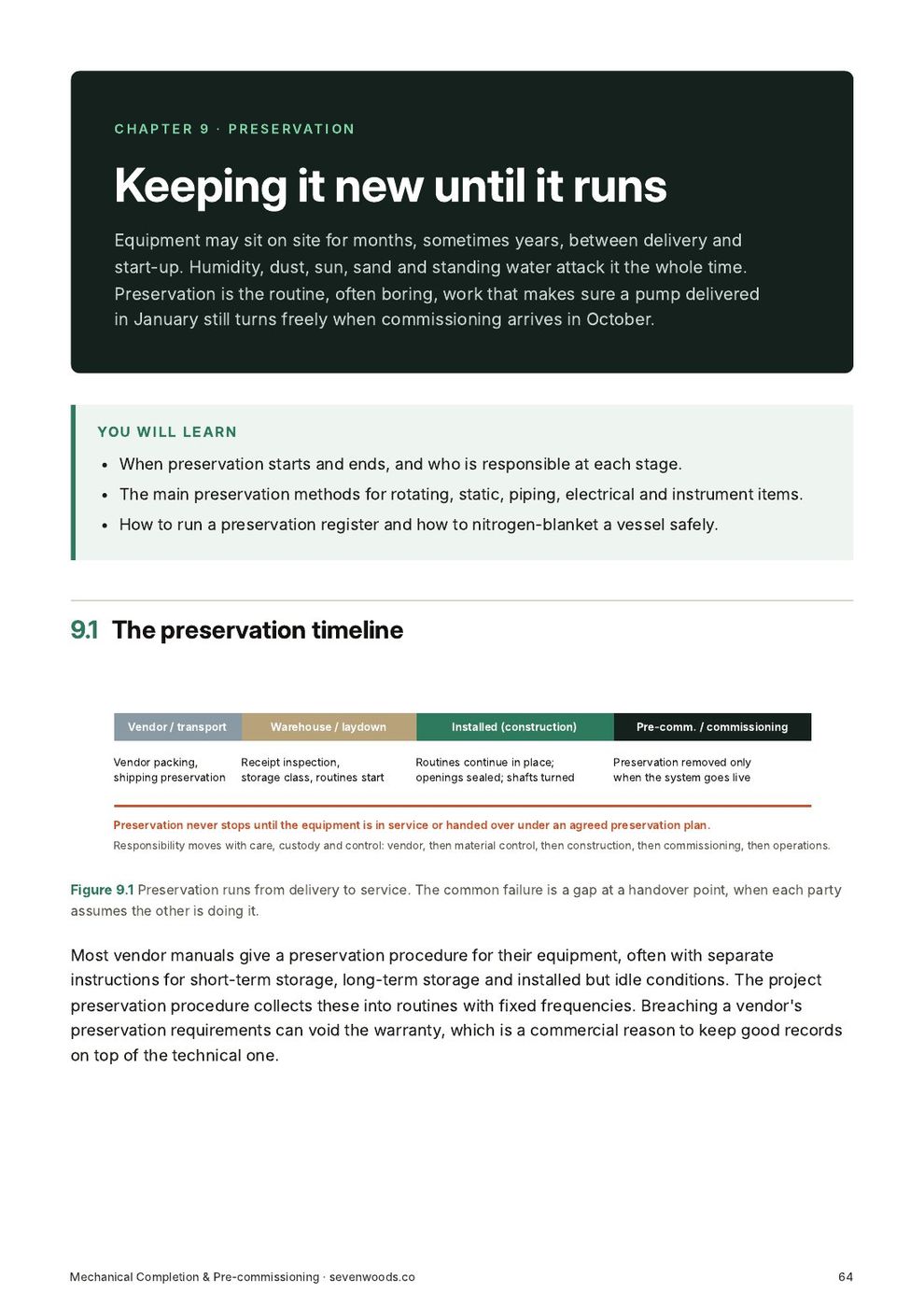
  1. The preservation timeline
  2. Methods by equipment type
  3. The preservation register
  4. Nitrogen blanketing
  5. Preservation after testing and cleaning
Handover dossiers5
  1. What is handed over
  2. How records flow
  3. As-built drawings
  4. Vendor data
  5. Getting dossiers accepted first time
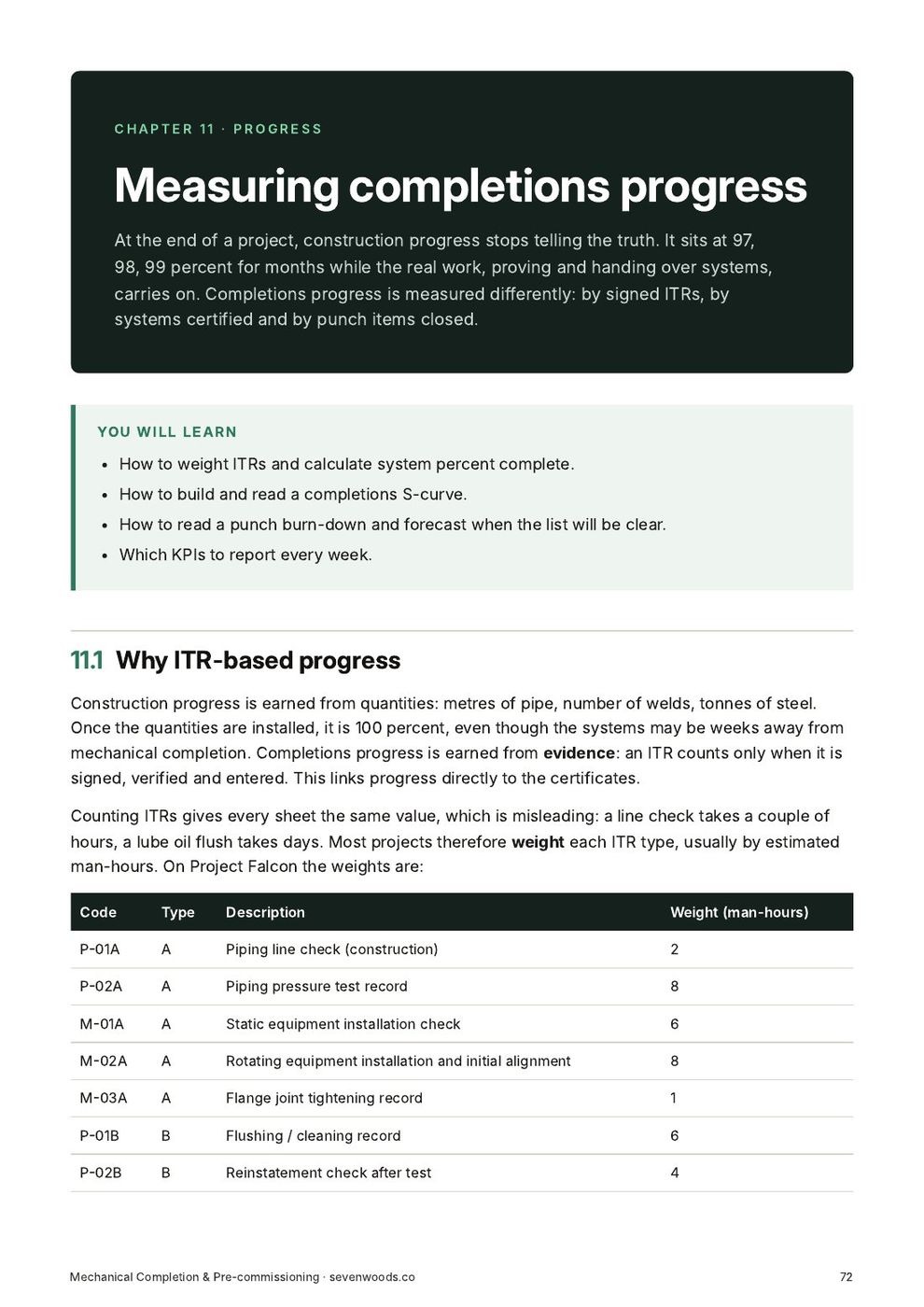
Measuring completions progress6
  1. Why ITR-based progress
  2. System percent complete
  3. The completions S-curve
  4. Punch burn-down
  5. Test pack funnel
  6. The weekly completions report
Twenty common pitfalls5
  1. Planning and set-up
  2. Records and punch
  3. Testing and cleaning
  4. Equipment
  5. Handover
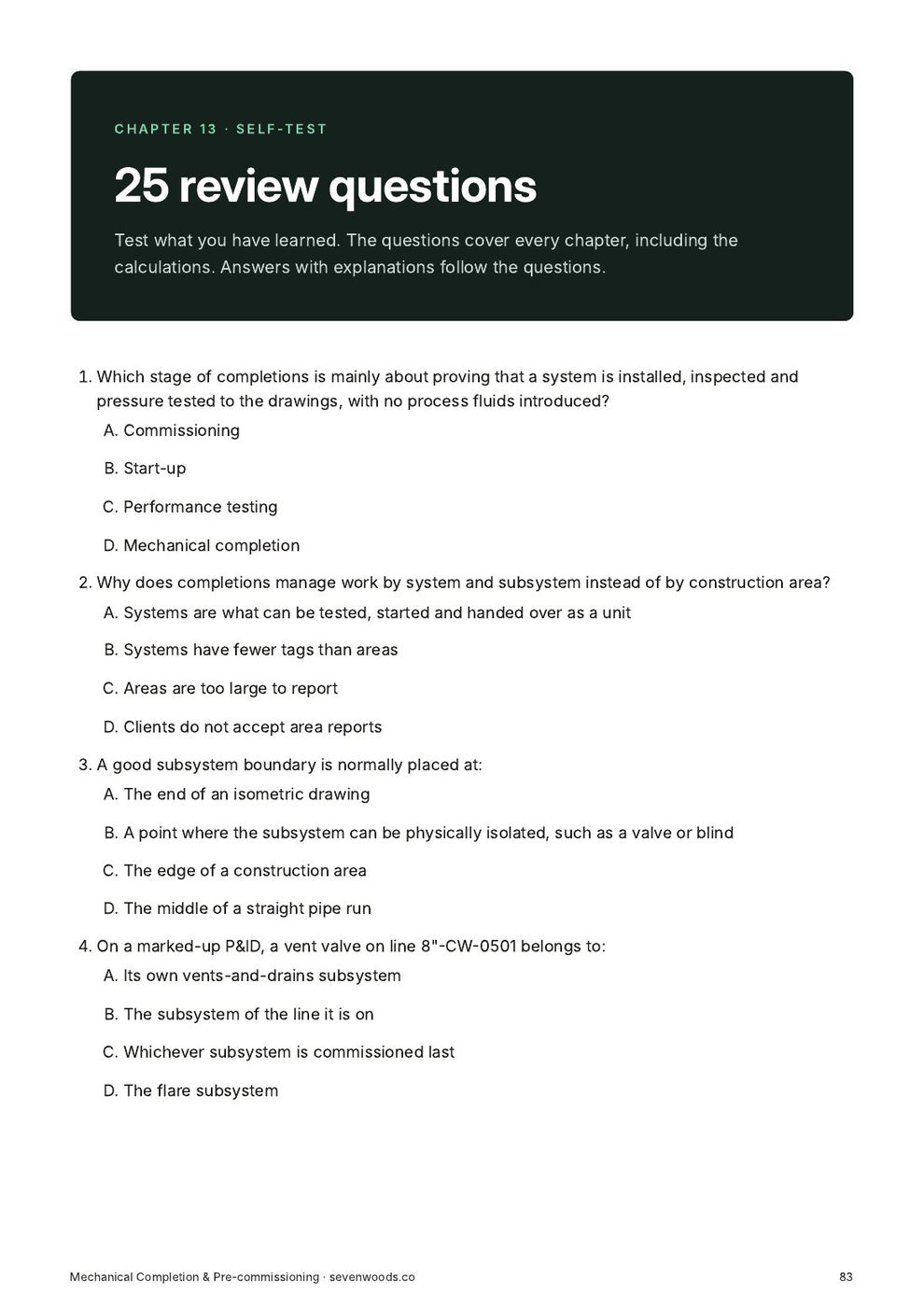
25 review questions1
  1. Answers and explanations
Glossary and kit guide3
  1. A.1Glossary
  2. A.2How the kit fits together
  3. A.3Notice
Who it is for

Made for working mechanical engineers.

Questions

Before you buy.

What format is it?

Digital files: PDF guides, and Excel, Word or PowerPoint files where the product includes them. You get a download link straight after checkout, and by email.

Can I use it at work?

Yes. The single-user licence covers your own work, including on your employer's and your clients' projects. For a team licence, contact us through the Payhip store.

Which software do I need?

A PDF reader, and Microsoft Excel 2016 or later (or Microsoft 365) for the spreadsheets. Word files open in Word or any compatible editor.

Is the sample data real?

No. All sample projects, names, dates and figures are fictitious and are there to show how each file works.

You may also need

Related products.

GuideNew

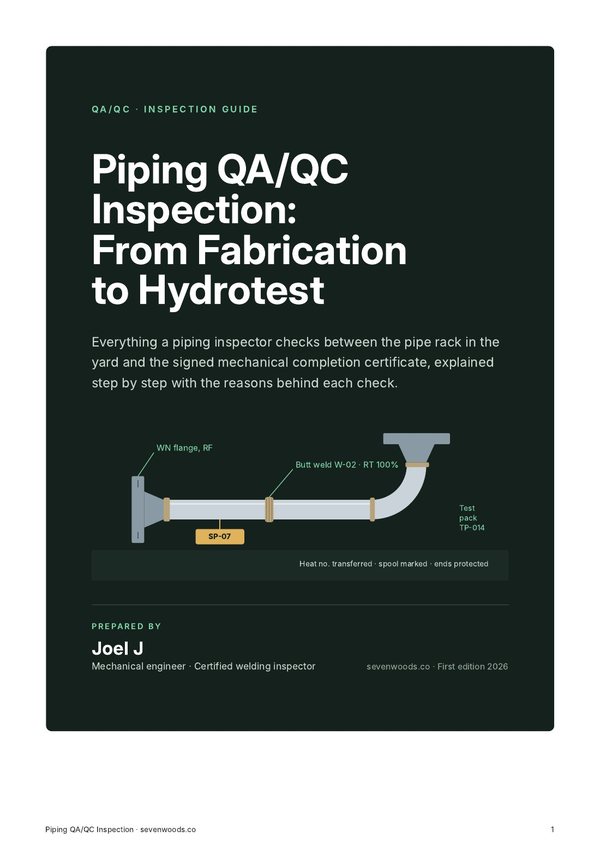
Piping QA/QC Guide

From isometric to handover: what a piping QA/QC inspector checks at every stage, with a test pack and line tracker.

$29Look inside →
CalculatorsNew

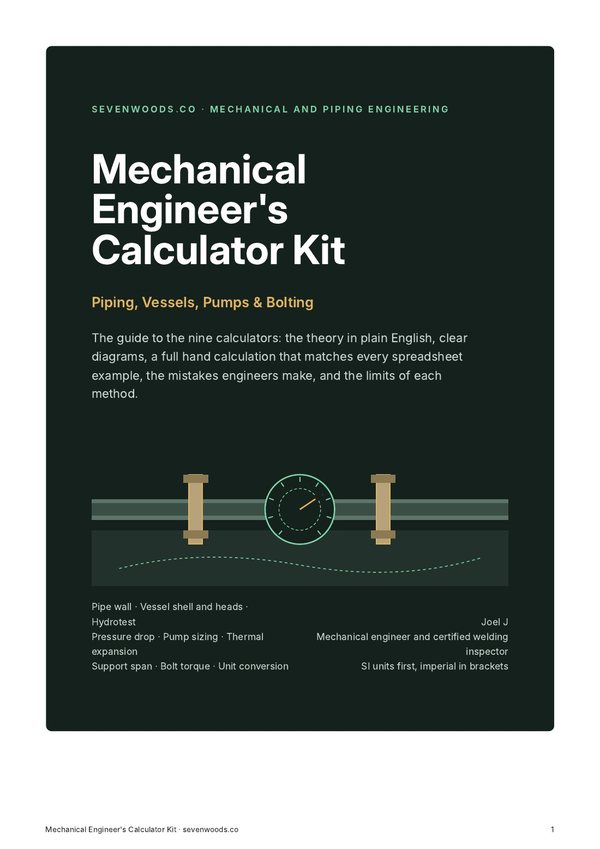
Mechanical Engineer's Calculator Kit

Nine working calculators for piping, vessels, pumps, expansion, supports and bolting, with a guide that works every example by hand.

$35Look inside →
KitNew

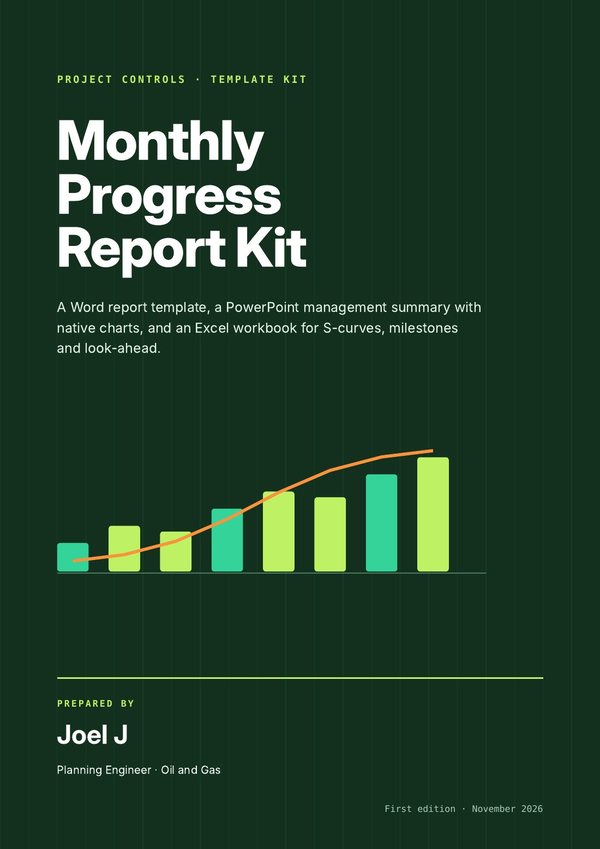
Monthly Progress Report Kit

A Word report, a PowerPoint management summary and an Excel workbook that feed each other, so the monthly report takes hours, not days.

$25Look inside →
Mechanical Completion Kit

Ready when you are.

$39 Mechanical Completion KitBuy now