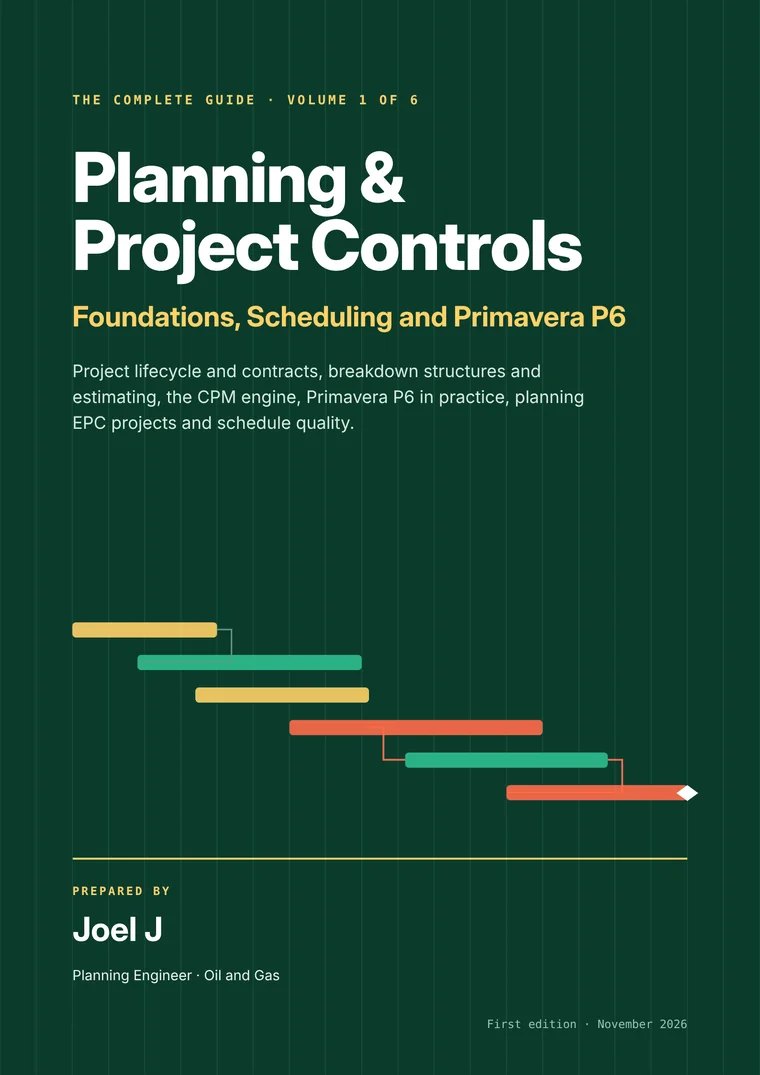
Foundations, Scheduling and Primavera P6
- The CPM engine: passes, float, calendars
- Primavera P6 in practice, 18 chapters
- DCMA 14-point and schedule quality
Planning & Project Controls: The Complete Guide + Toolkit. From CPM basics and Primavera P6 to earned value, contracts, delay analysis, Power BI and AI, with the schedules, trackers and interview prep to use it on the job.
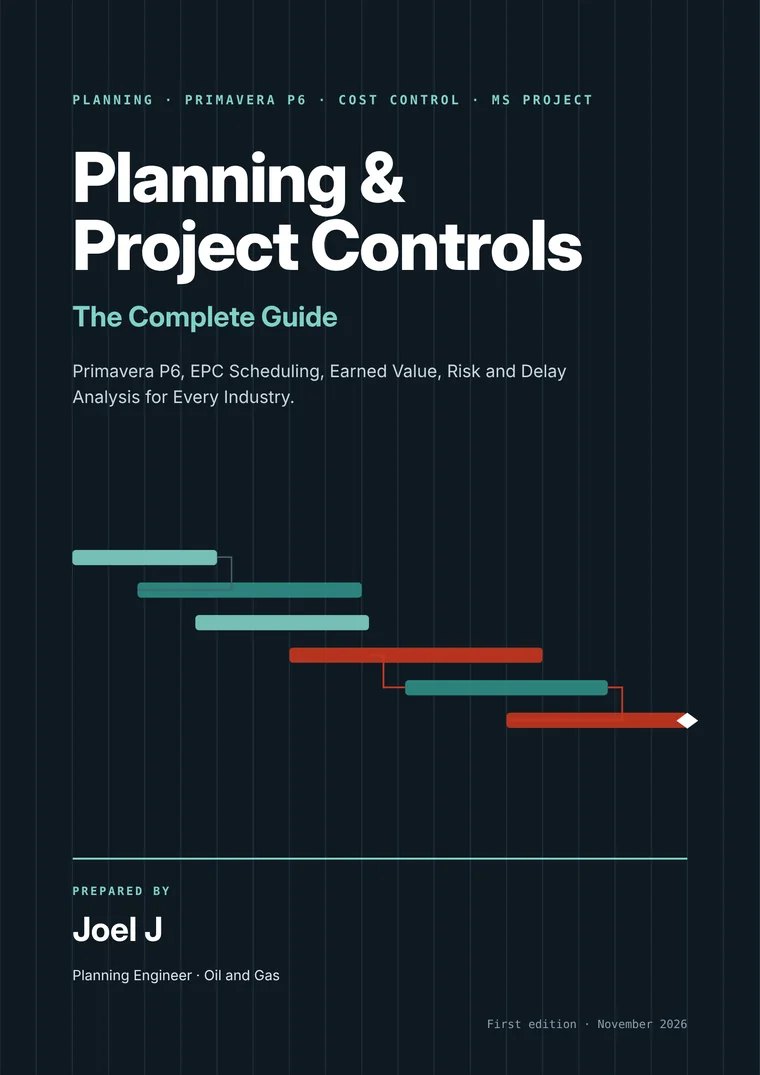
Most courses teach the software. Most books teach the theory. Very few teach the whole job. This one does.
2,846 pages in 529 chapters, written in plain words with worked examples, case studies and full solutions. Read it end to end, or open the chapter you need tomorrow morning.
Browse the full contents →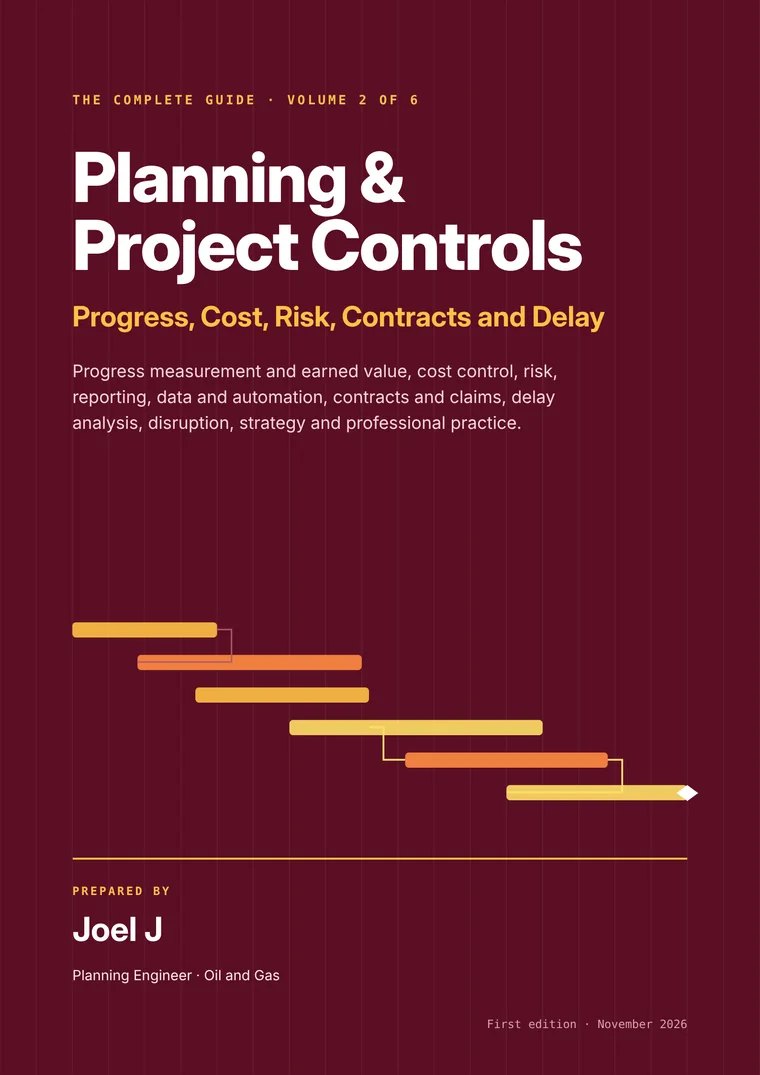
56 logic-linked schedules with 4,865 activities, FS, SS and FF relationships, lags and float. Import the XER into P6 or the XML into MS Project, then adapt it to your job. Scroll to watch one build.
Courses, templates, forums and old project files each give you a piece. This puts the whole job in one download, built by a planner for planners.
From the forward pass to forensic delay analysis, all in one searchable PDF.
Oil and gas, LNG, power, buildings, roads, rail, marine, water, mining and more.
XER, MS Project XML and Excel. 4,865 activities.
Model answers, practical tests and 3 full mock interviews.
Ready to paste for health checks, narratives, look-aheads and claims.
Build, update, level, run a TIA and a windows analysis.
Formulas only, no macros. Test packs to earned value.
Each product works on its own, and all five come together in the Complete Bundle.
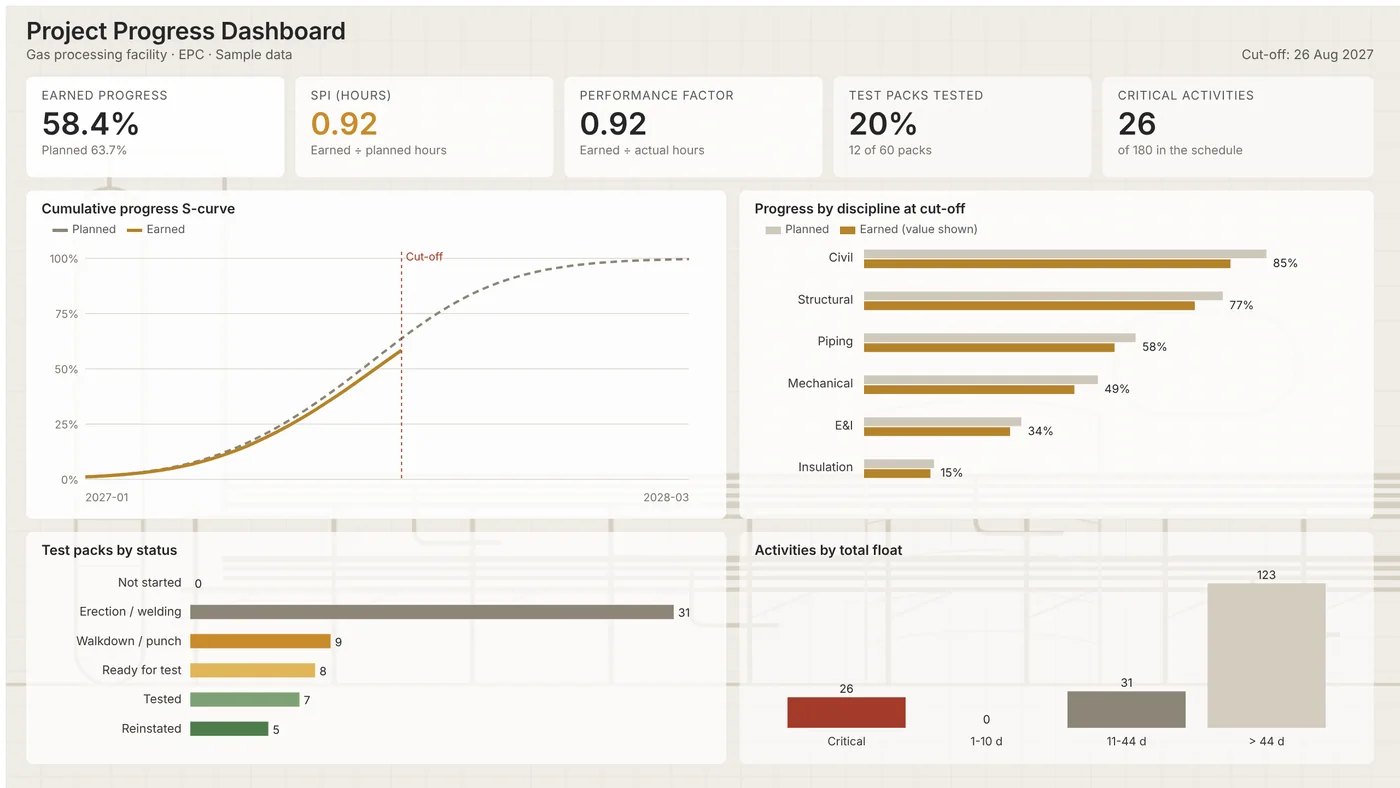
Turn a P6 XER export into a progress dashboard in under an hour. Sample data, Power Query that reads XER tables, a DAX library for progress, SPI and performance factor, a report theme and a step-by-step build guide.
Look inside →The full 2,846-page book as one searchable PDF.
Look inside →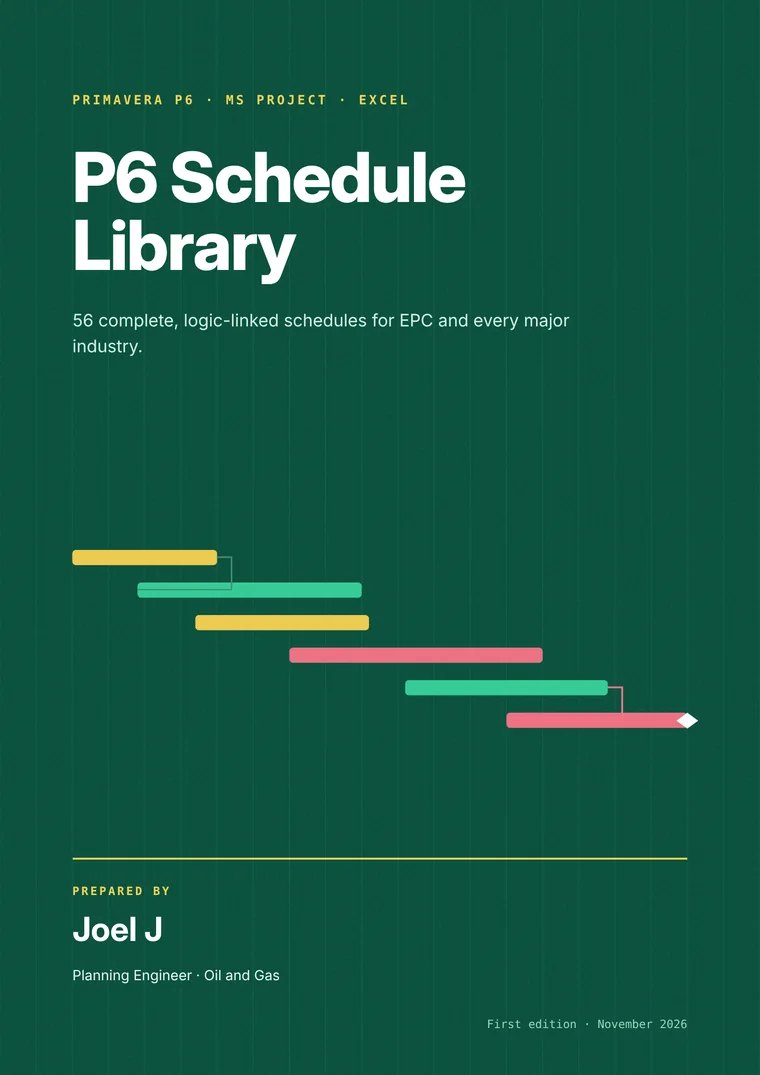
56 schedules, 4,865 activities. XER, MS Project XML and Excel, with an import guide.
Look inside →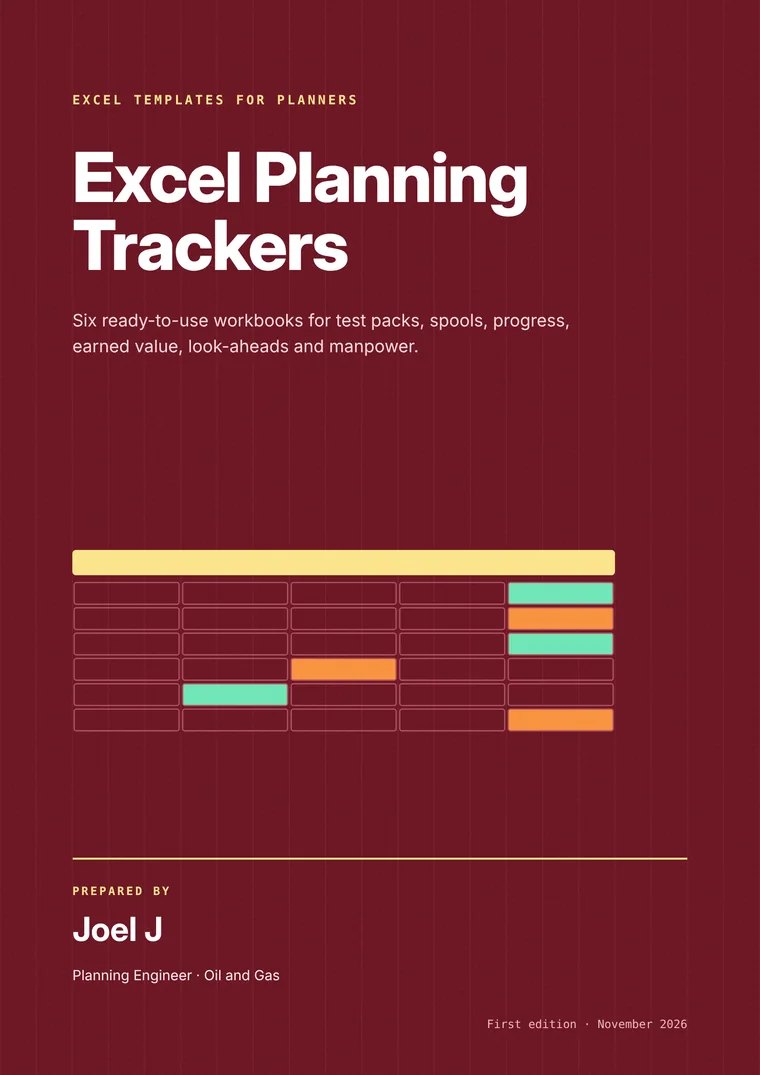
Test packs, spools, progress with S-curve, earned value, look-ahead and manpower.
Look inside →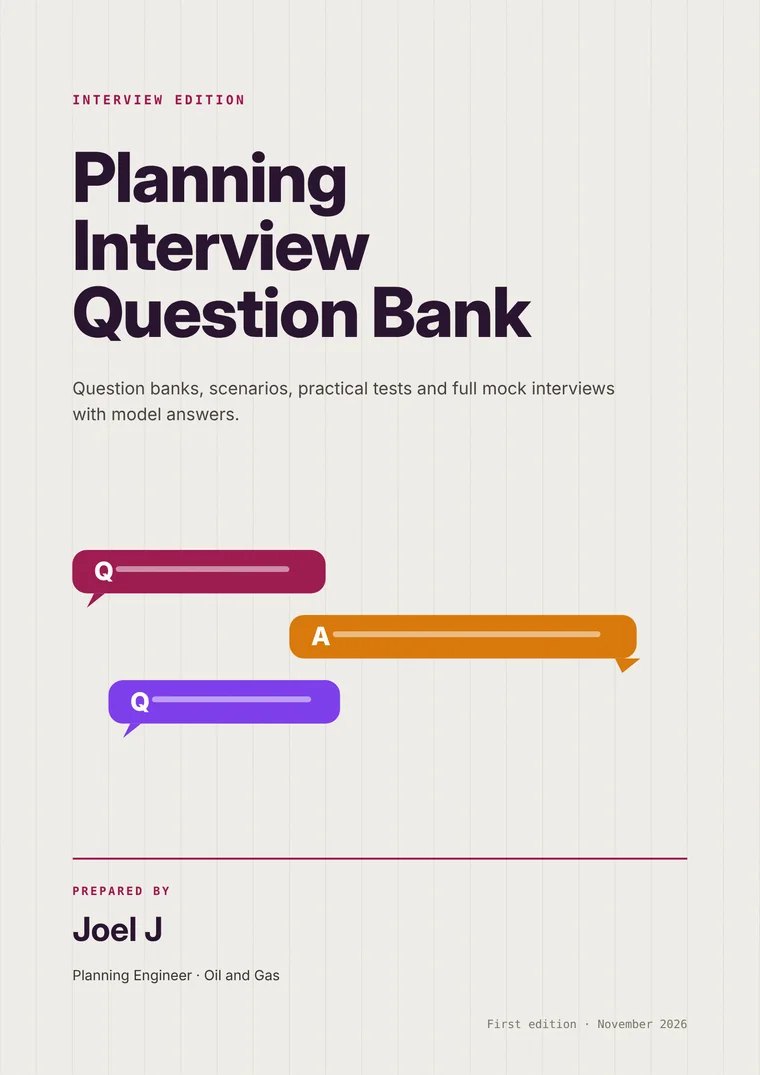
730 questions with model answers, practical tests and 3 mock interviews.
Look inside →Templates, tools and industry packs, each with the in-depth chapters behind it. Every product has a look-inside preview and its full contents.
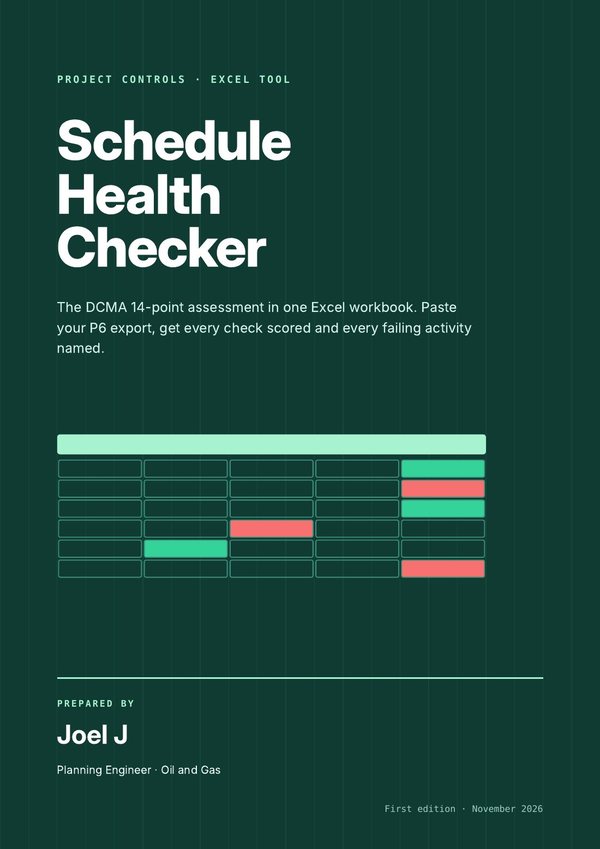
Paste your P6 export and see all 14 DCMA checks scored, with every failing activity named and how to fix it.
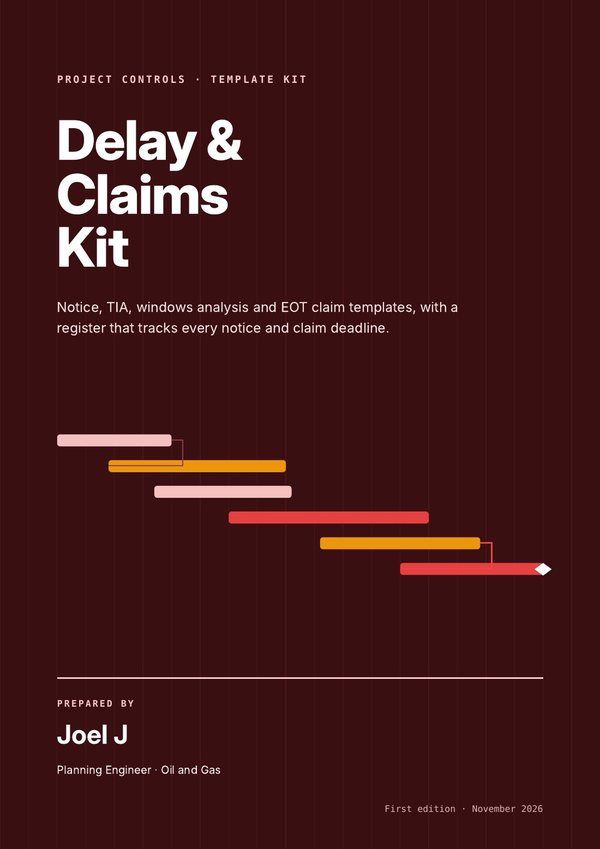
Notice, time impact analysis, windows analysis and EOT claim templates, a register that tracks every deadline, and the full reference behind them.
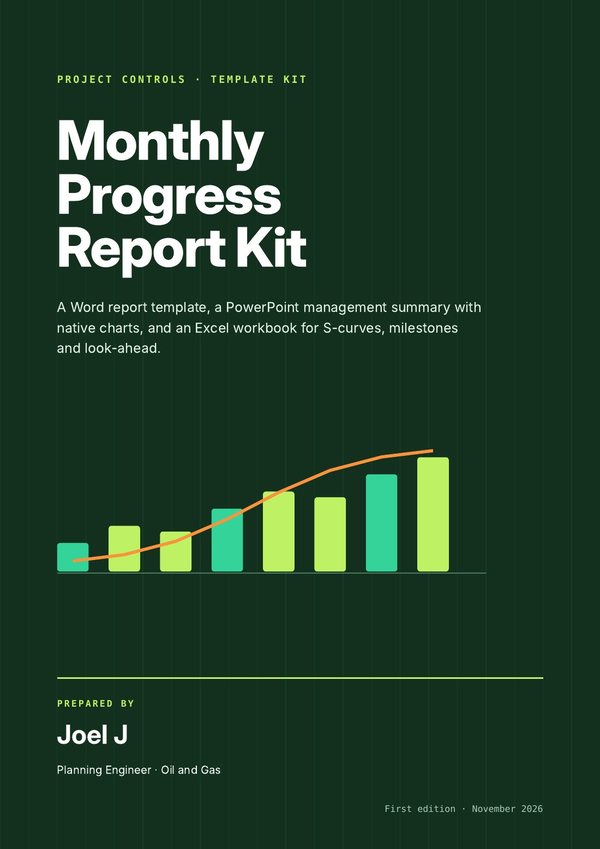
A Word report, a PowerPoint management summary and an Excel workbook that feed each other, so the monthly report takes hours, not days.
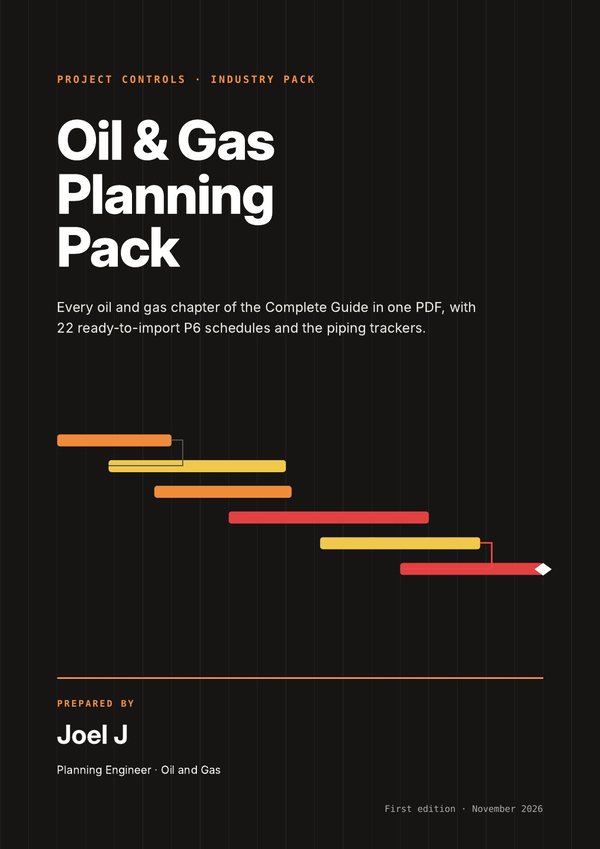
Every oil and gas chapter of the Complete Guide in one 498-page PDF, with 22 ready-to-import P6 schedules and the piping trackers.
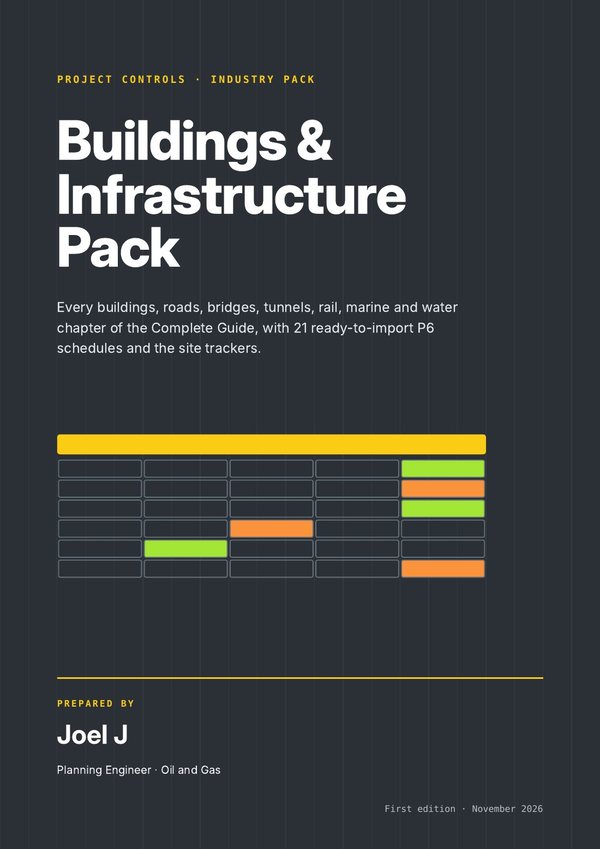
Every buildings, roads, bridges, tunnels, rail, marine and water chapter of the Complete Guide in one 369-page PDF, with 21 P6 schedules and site trackers.
Templates and a practical guide to win planning and project controls roles: CVs, cover letter, LinkedIn, interviews and your first 90 days.
Ten one-page references to keep beside your keyboard: CPM, P6 settings, updating, baselines, resources and earned value.
The questions planners are asked most, with short model answers you can say out loud. Free when you enter your email.
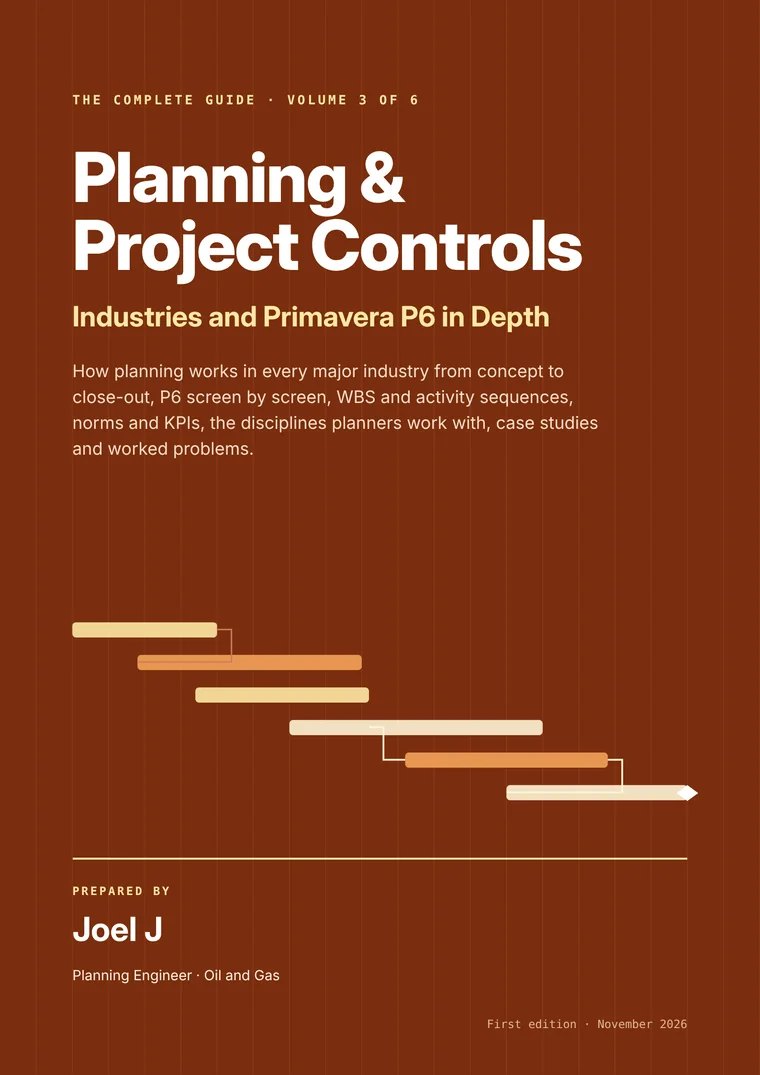
Fill the gaps: P6 at expert level, earned value, risk and delay analysis.
Cost control, forecasting, reporting and Power BI dashboards.
Build and review schedules faster with 56 ready-made templates.
From site, QA/QC or design: learn the job step by step and get interview-ready.
Instant download after checkout. Secure payment through Payhip.
Prices in US dollars. Single-user licence: use it on your own projects, including at work. Team licences on request.
The full table of contents is open to everyone: all 529 chapters with page numbers, searchable by topic.
Open the full contents →No. There are chapters, schedules and norms for buildings, roads, bridges, tunnels, rail, power, renewables, water, marine, mining, shipbuilding, data centres and more.
It starts from the basics of CPM and builds up step by step, with worked examples, workbook problems and full solutions. There's a whole section on moving into planning and preparing for interviews.
Each schedule comes as an XER for Primavera P6, an XML for Microsoft Project and an Excel file, so there's always a way in. The import guide includes five checks to run after importing.
A searchable PDF that you can read on a laptop, tablet or phone. The download arrives straight after checkout.
Yes. The single-user licence lets you use and adapt everything on your own projects, including your employer's and clients' projects. You can't resell or share the files. For team licences, get in touch.
Checkout runs on Payhip, a secure platform for digital products. You can pay by card or PayPal.