All products
Excel tool · DCMA 14-point

Schedule Health Checker

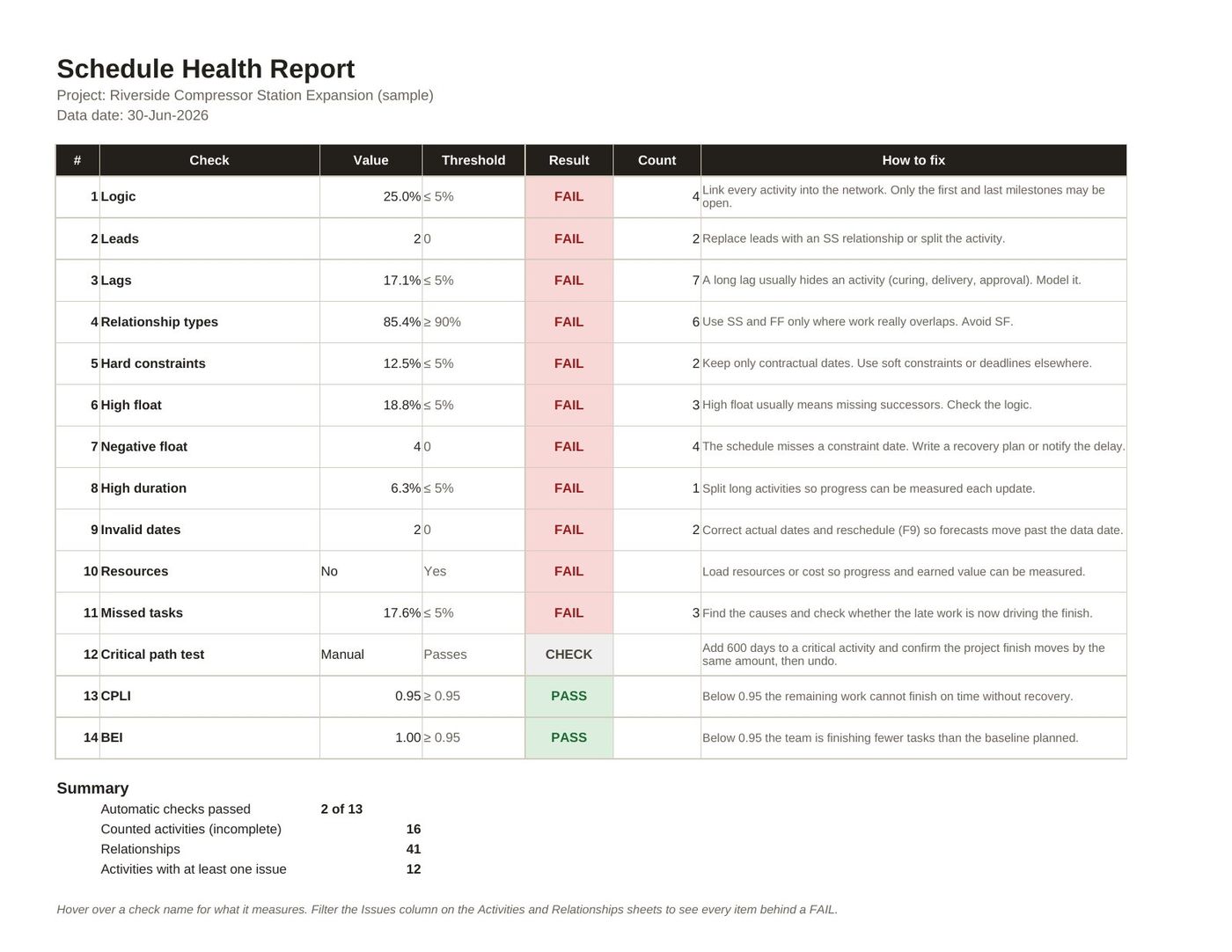
Paste your P6 export and see all 14 DCMA checks scored, with every failing activity named and how to fix it.

Instant download · Secure checkout with Payhip · Single-user licence

14 checks2,000 activities70 page reference
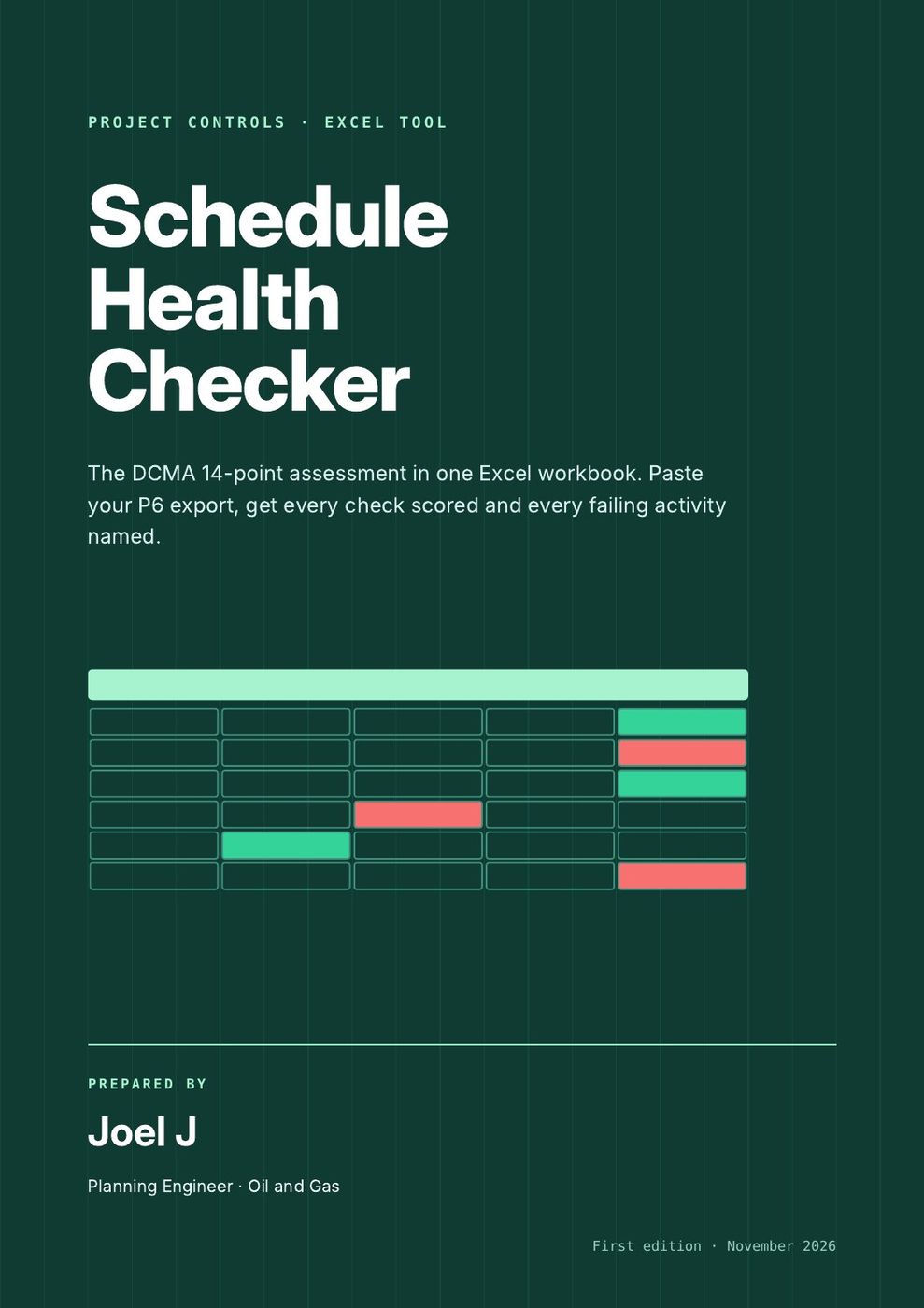
Cover of Schedule Health Checker
Look inside

See the real pages before you buy.

7 pages and screens from the product itself. Click any page to read it at full size.

What you get

In the download.

Every file, ready to use.

Schedule_Health_Checker.xlsx

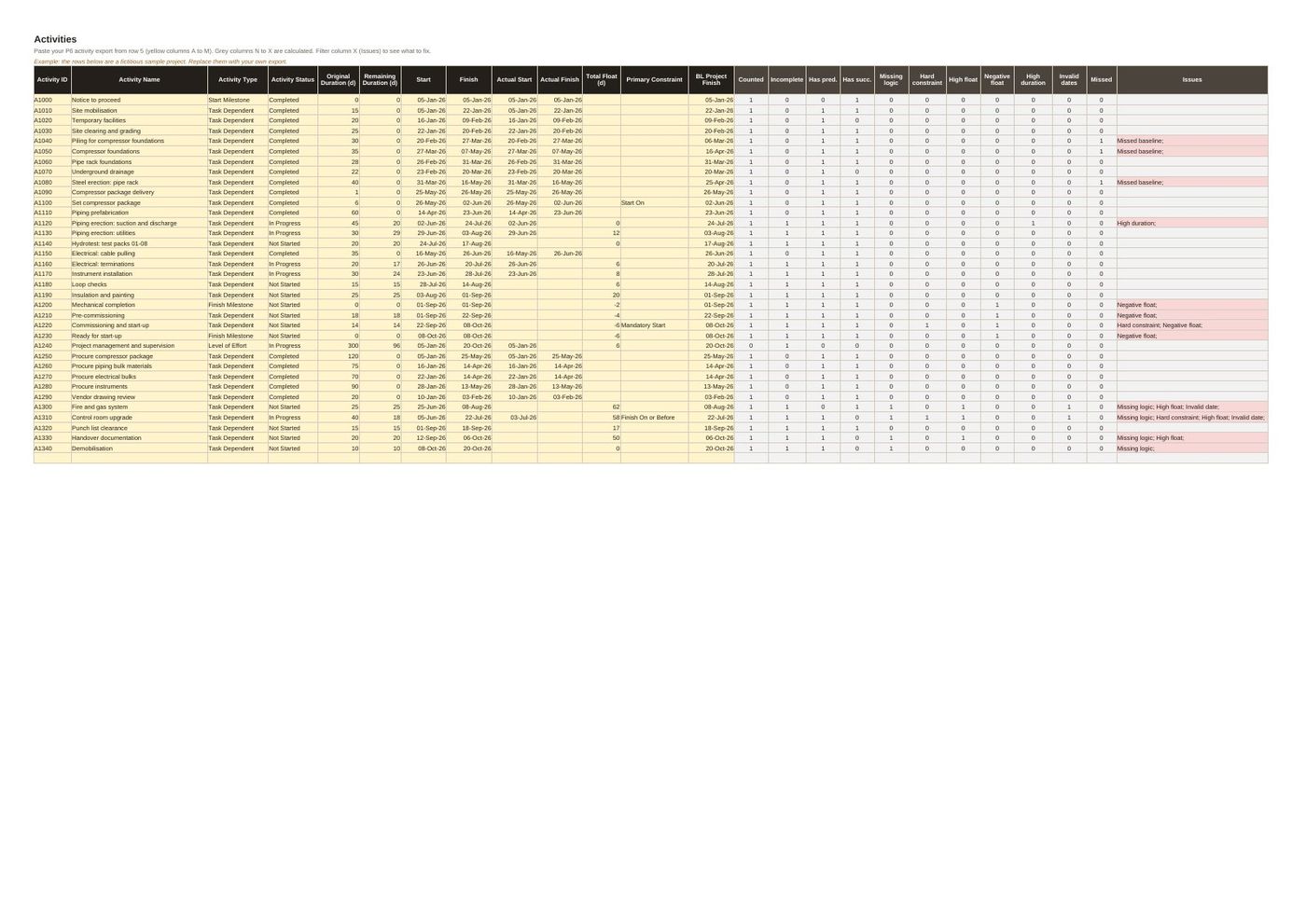
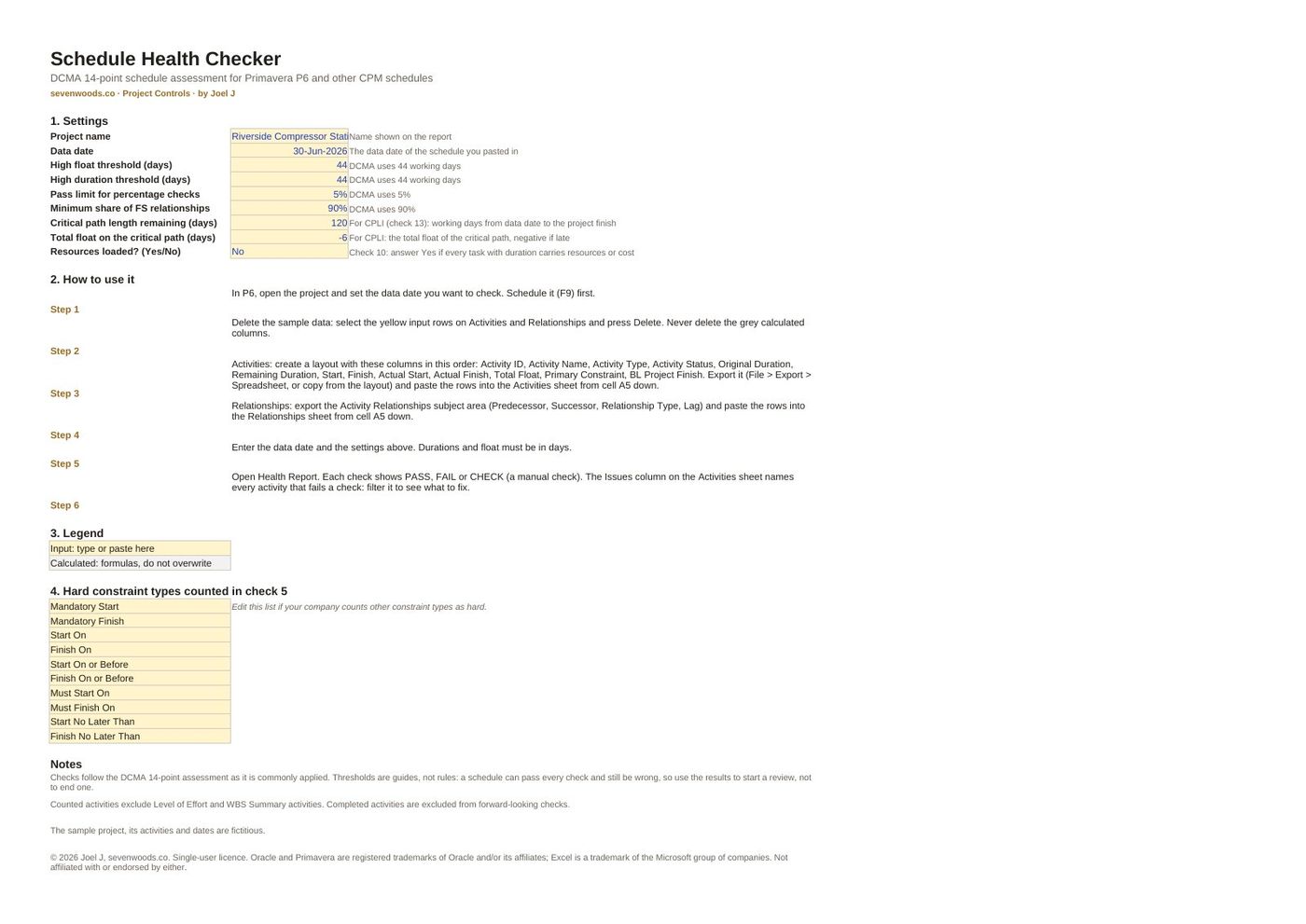
Health report with PASS, FAIL and CHECK; activity and relationship sheets that name every issue; adjustable thresholds; sample project.

User guide (PDF)

How to export from P6, what each check measures and how to read the results.

Schedule quality reference (PDF)

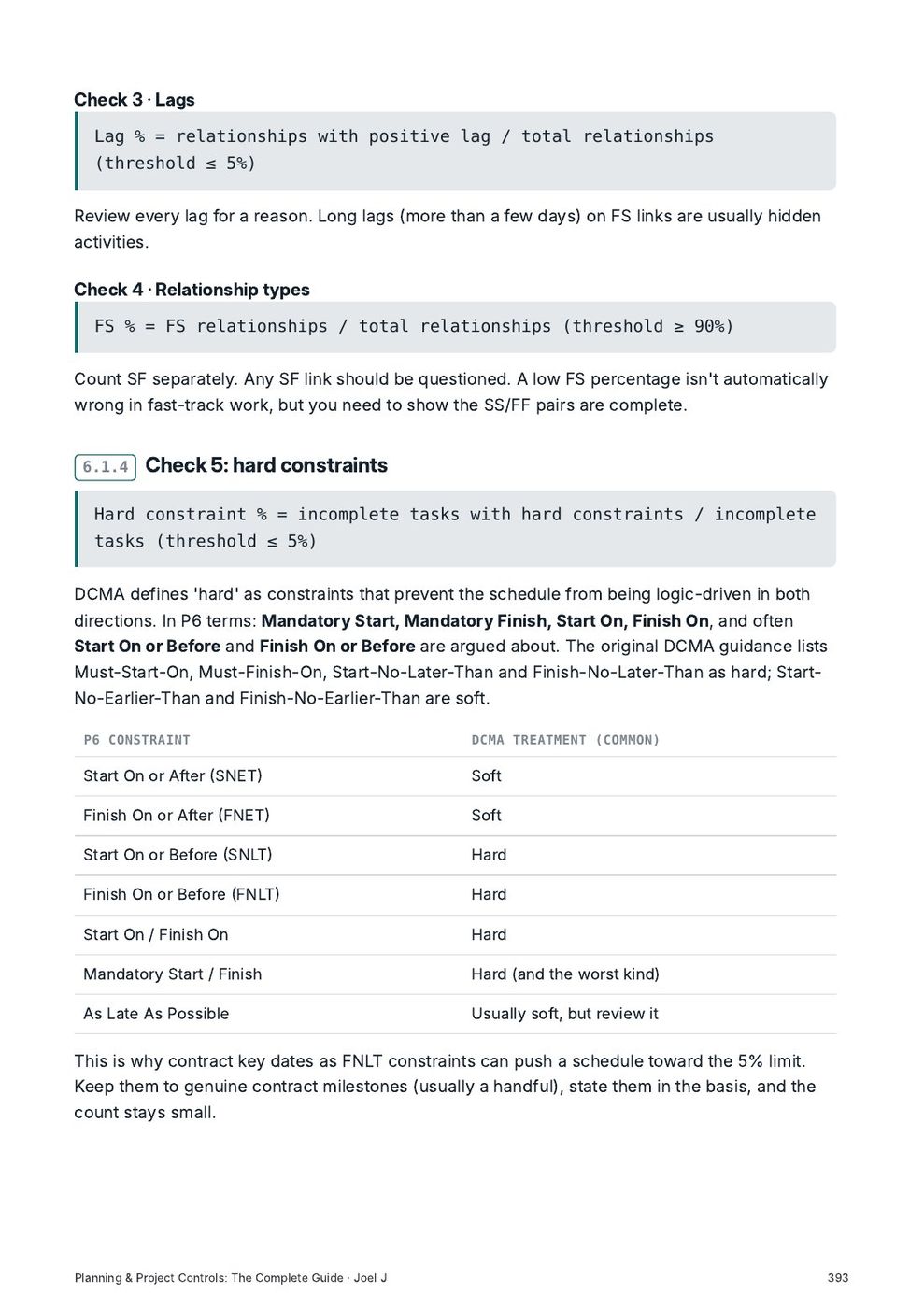
70 pages, 11 chapters: the DCMA checks in depth, GAO best practices, health-check reports and reviewing contractor schedules.

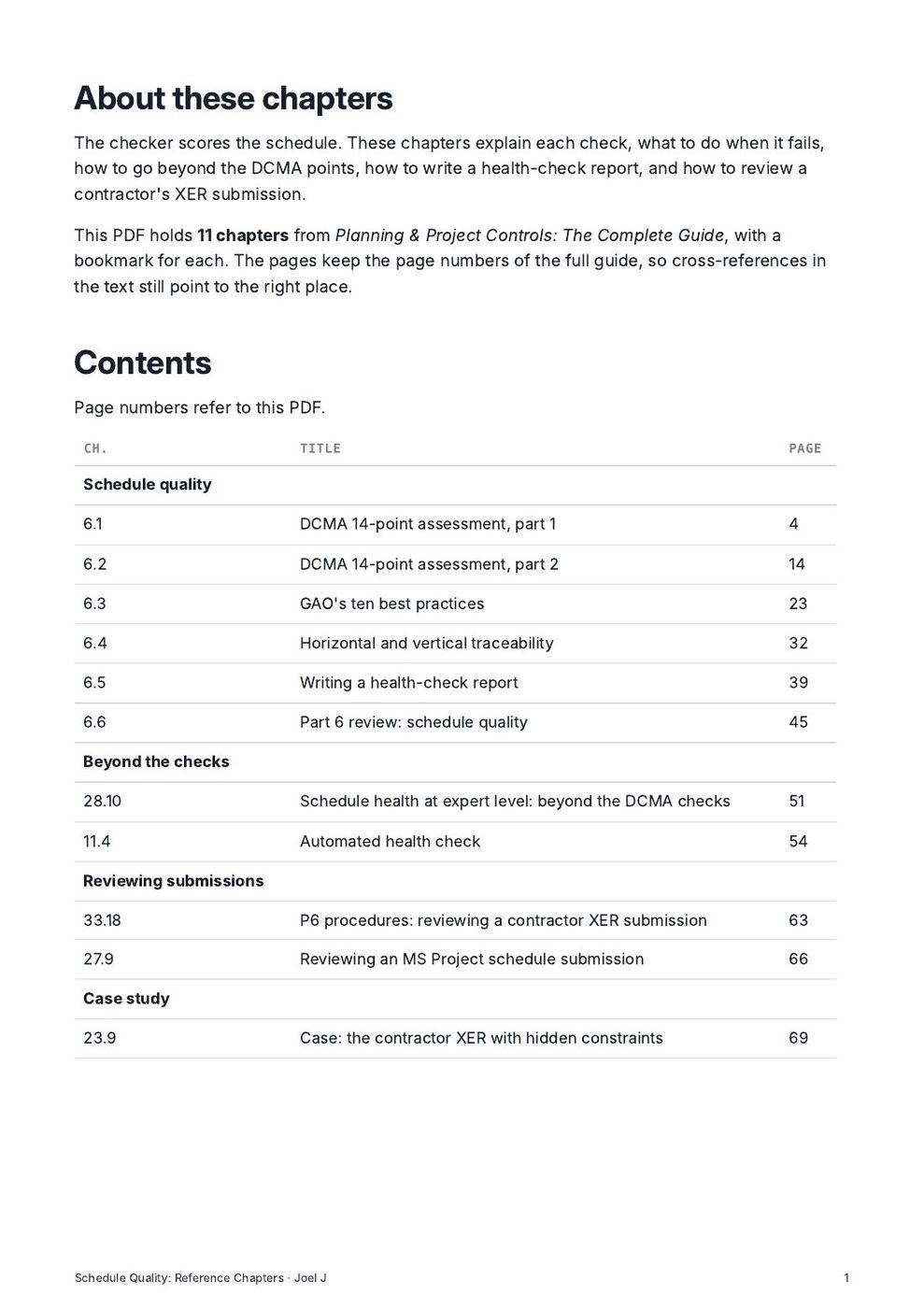
Contents

Everything that is inside.

The full table of contents, so you know exactly what you are buying.

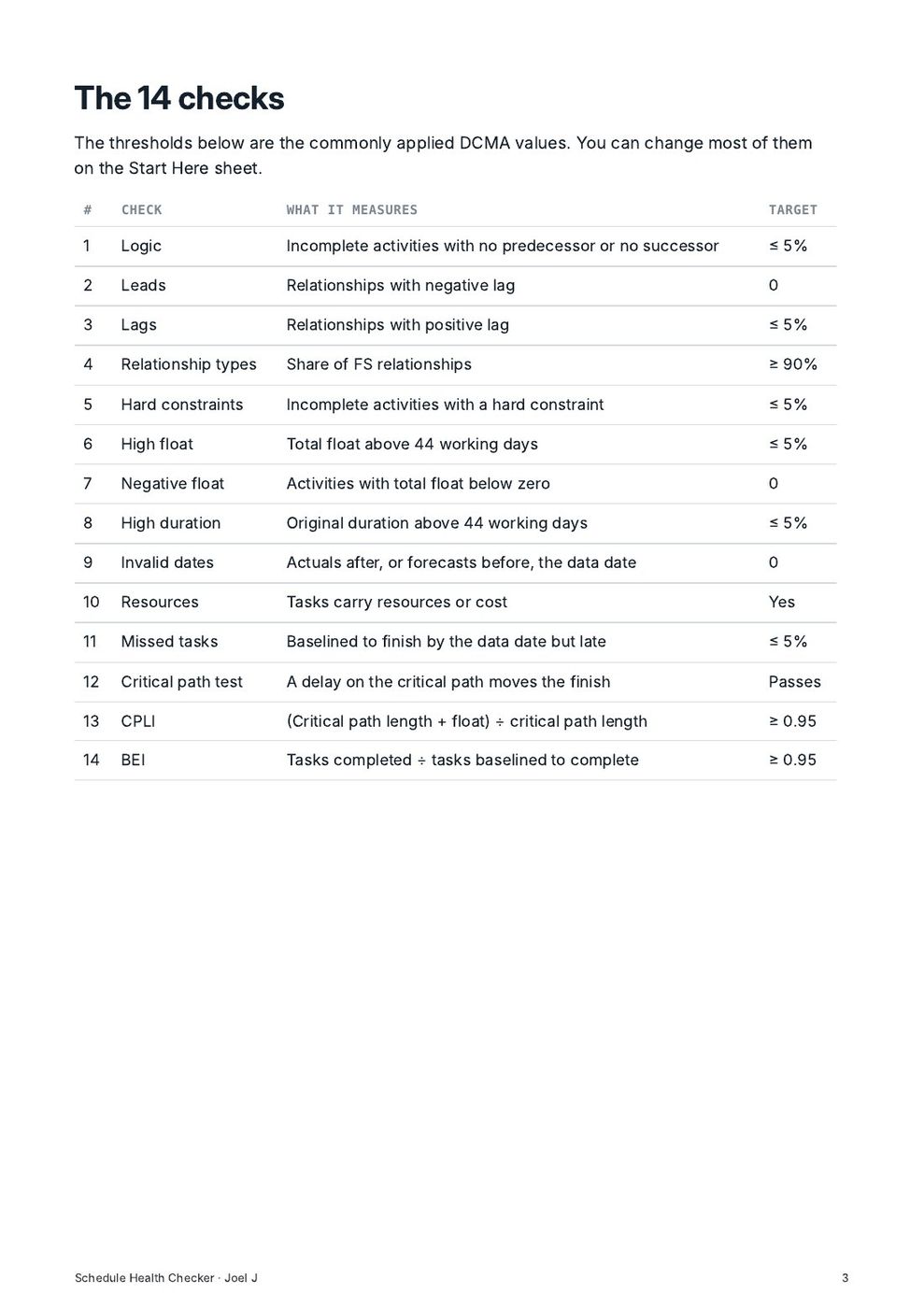
The 14 checks14
  1. 1 Logic
  2. 2 Leads
  3. 3 Lags
  4. 4 Relationship types
  5. 5 Hard constraints
  6. 6 High float
  7. 7 Negative float
  8. 8 High duration
  9. 9 Invalid dates
  10. 10 Resources
  11. 11 Missed tasks
  12. 12 Critical path test
  13. 13 CPLI
  14. 14 BEI
Reference chapters: Schedule quality6
  1. 6.1 DCMA 14-point assessment, part 1
  2. 6.2 DCMA 14-point assessment, part 2
  3. 6.3 GAO's ten best practices
  4. 6.4 Horizontal and vertical traceability
  5. 6.5 Writing a health-check report
  6. 6.6 Part 6 review: schedule quality
Reference chapters: Beyond the checks2
  1. 28.10 Schedule health at expert level: beyond the DCMA checks
  2. 11.4 Automated health check
Reference chapters: Reviewing submissions2
  1. 33.18 P6 procedures: reviewing a contractor XER submission
  2. 27.9 Reviewing an MS Project schedule submission
Reference chapters: Case study1
  1. 23.9 Case: the contractor XER with hidden constraints
Who it is for

Made for working planners.

Questions

Before you buy.

What format is it?

Digital files: PDF guides, and Excel, Word or PowerPoint files where the product includes them. You get a download link straight after checkout, and by email.

Can I use it at work?

Yes. The single-user licence covers your own work, including on your employer's and your clients' projects. For a team licence, contact us through the Payhip store.

Which software do I need?

A PDF reader for the guides. Excel, Word or PowerPoint (or compatible software) for the templates. Primavera P6 or Microsoft Project for schedule files.

Is the sample data real?

No. All sample projects, names, dates and figures are fictitious and are there to show how each file works.

You may also need

Related products.

ToolNew

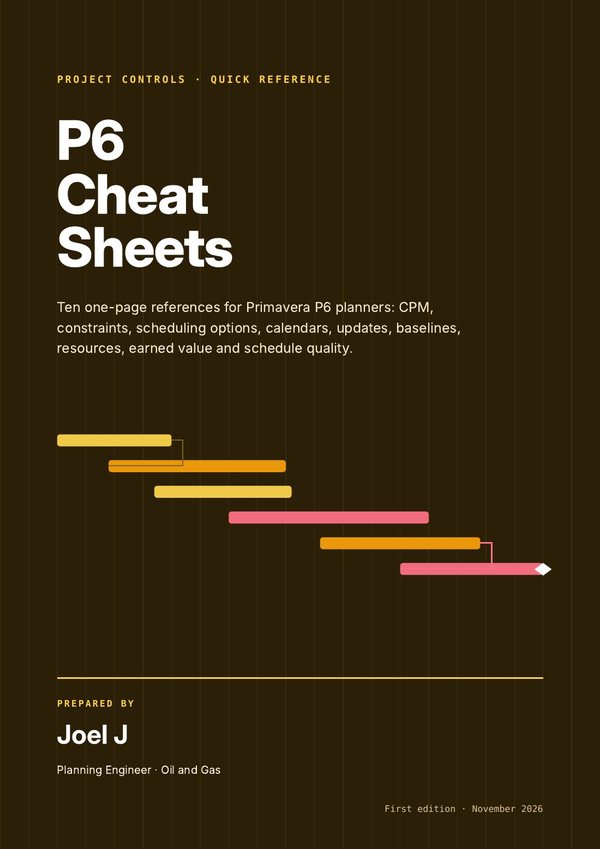
P6 Cheat Sheets

Ten one-page references to keep beside your keyboard: CPM, P6 settings, updating, baselines, resources and earned value.

$15Look inside →
Tool

P6 Schedule Library

56 complete, logic-linked schedules across 19 industries, ready to import into P6 or Microsoft Project and adapt.

$39Look inside →
KitNew

Delay & Claims Template Kit

Notice, time impact analysis, windows analysis and EOT claim templates, a register that tracks every deadline, and the full reference behind them.

$45Look inside →
Schedule Health Checker

Ready when you are.

$35 Schedule Health CheckerBuy now